PikoeSIM



Excellent


Russia eSIM
Plans from€0.25
100 MB 7 days
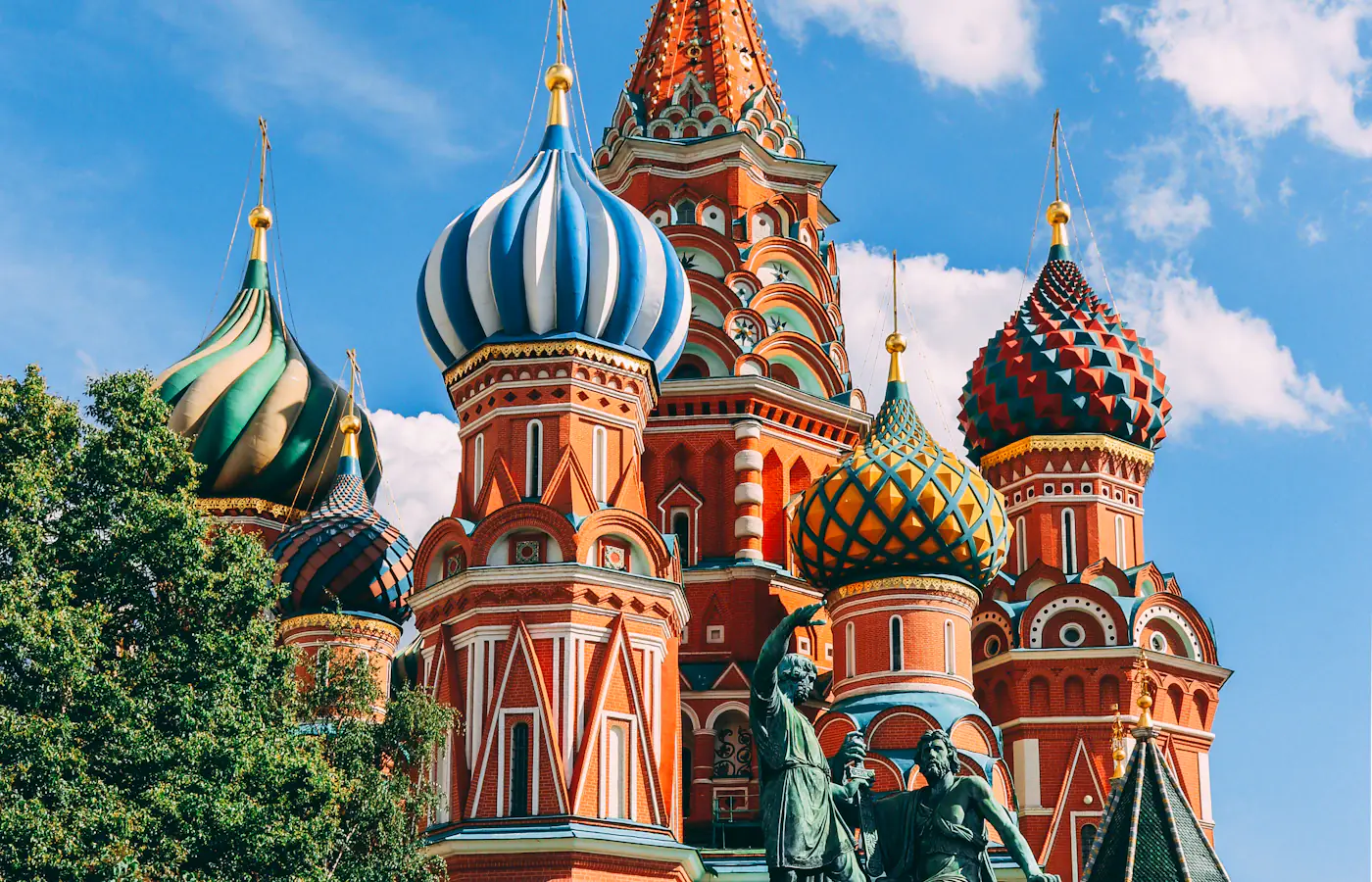 Moscow, Russia

- 4G/5G data
- One prepaid price
- Check compatibility first
- Hotspot included
Choose your plan
Data for 7 days
Data for 15 days
Data for 30 days
Tech specs
| Specification | Details |
|---|---|
| Country coverage | Russia only. The catalog does not confirm service in Crimea or other occupied Ukrainian territories, and the Russia label does not extend to Ukraine. Regional availability and restrictions still apply. |
| Local networks | t2 Russia, Beeline Russia |
| Network technology | Connects to 4G/5G where the network offers it. |
| Data & validity | A fixed total allowance for the chosen validity. No daily reset and no unlimited data. |
| Calls & SMS | Data only: no local phone number and no standard calls or SMS. Existing calling and messaging apps run on your data instead. |
| Hotspot | The listed networks support hotspot. Any device you connect draws from the same data allowance. |
| Your phone | You need an eSIM-compatible, network-unlocked phone. Confirm the exact model and regional variant before buying. |
How it works
Pick a plan, add the eSIM to your phone, then connect once you're in Russia.
 01
01Choose your plan
Choose data and validity that cover your trip. Save the setup instructions for offline access.
 02
02Install before you travel
Install over Wi-Fi using your plan's instructions. Check when the plan's validity starts.
 03
03Connect in Russia
On arrival, turn on the eSIM and select it for mobile data. Keep data roaming off on your regular SIM.
Compare ways to get online in Russia
Use prepaid data on the phone you already carry. This is how PikoeSIM compares with a rental router, home-carrier roaming and a physical SIM.
Swipe or scroll to compare all four options
| What matters | PikoeSIMTravel eSIM | Pocket Wi-FiRental router | RoamingYour home carrier | Local SIMPhysical SIM card |
|---|---|---|---|---|
| Getting connected | Download the eSIM to your phone, then follow the activation steps that come with your plan. | Book delivery or collect a rental router from the provider. | Turn on roaming and confirm your destination is covered by your home plan. | Buy a SIM card and insert it into a compatible SIM slot on your phone. |
| Extra equipment | None. You use the eSIM-compatible phone you already have. | A separate device to carry, charge and keep within range. | None. You keep using your existing phone and SIM. | A physical SIM card. You might need to remove your usual SIM to fit it. |
| Data & cost | From €0.25 for 100 MB / 7 days. You pick a fixed allowance when you order. | Rental fees and data terms vary by provider. Check delivery, loss and damage fees before booking. | Your carrier's rates apply. Some home plans already include roaming at your destination. | Prepaid prices, data allowances and validity periods differ between local operators. |
| Sharing your data | The listed networks support hotspot. Any device you connect draws from the same data allowance. | Connect phones and other devices to the router. They all need to stay inside its Wi-Fi range. | Tethering depends on your carrier and your roaming plan. | Check that the local plan allows tethering before you rely on it. |
| Calls & SMS | Data only. Make calls and send messages through internet apps. | Internet only. Regular calls and SMS still use your phone's mobile plan. | Calls and SMS are billed under your carrier's roaming terms. | A local number, calls and SMS depend on the specific plan you buy. |
| After your trip | There's nothing to send back when your trip ends. | Return the router and accessories on time. Late or missing returns can trigger extra fees. | No hardware to return afterwards. | You don't need to return any rental device. |
Frequently asked questions.
Answers to common setup and buying questions.
How do I pick a data plan for Russia?
Match the data plans to your trip and real use. The 100 MB and 500 MB options valid for 7 days suit quick checks only, not video calls or photo backups. A 3 GB plan for 7 days costs €2.19, 3 GB for 15 days costs €2.35, and 3 GB for 30 days costs €2.35. There is no 1 day option: a one day stop still buys a 7-day allowance, and 30 days is not a calendar one month. Our recommendations assume typical tourist use on a short vacation, not streaming. The best value is usually the cheapest plan that covers your use, and the best plan for you depends on that same use, so there is no single best price for everyone; a trip of 14 days fits the 15-day plan, and 2 weeks of light use rarely needs many gigabytes.
Will my data connect as soon as I land in Russia?
Do not count on immediate mobile internet. UK travel guidance warns that mobile service for foreign visitors may be restricted and communications may be monitored, so access may be delayed after arrival. Save tickets, addresses and meeting details before landing; activation and installation do not guarantee a signal. A larger allowance does not bypass these restrictions.
Which networks does the plan connect to?
The catalog names two operators: t2 Russia with 4G LTE and 5G capability, and Beeline Russia with LTE only. These network features are listed, but a 5G flag is not a promise of live 5G or instant access, and signal quality varies with your phone and location. No operator here carries a verified best coverage claim, so reach will differ across the country. UK guidance notes that mobile service for foreign visitors may be restricted and communications may be monitored.
Does the plan cover all of Russia?
Russia only. The catalog does not confirm service in Crimea or other occupied Ukrainian territories, and the Russia label does not include Ukraine. Regional availability and restrictions still apply, and local coverage, outages and your phone all affect reception.
Will my phone work with this eSIM?
Confirm your exact model and regional variant support eSIM and that the device is network unlocked. An eSIM is a virtual sim card built into the phone, so only compatible phones can use it. On an iPhone, look for Add eSIM in mobile settings and 'No SIM restrictions' under Settings, General, About. Both Android and iOS models vary, so check the maker's compatibility list before you buy an eSIM card.
When should I install and activate the eSIM?
Install over solid Wi-Fi and save the supplied instructions before you travel. Installation and the start of validity can be different events, so follow your plan's activation steps rather than assuming instant installation starts the clock. Scan the QR code when prompted, pick the travel line for mobile data when ready, and apply any roaming or APN setting only as instructed.
Can I keep my phone number for bank texts?
You keep your usual SIM and messaging accounts; this eSIM gives data, not a local phone number or standard SMS. Bank texts still depend on your home line, bank and carrier, so check their roaming charges. Switch off automatic data switching and data roaming on your home SIM to avoid surprise fees.
Can I tether a laptop to this plan?
The listed networks support hotspot. Any device you connect draws from the same data allowance. Tethering and the data hotspot feature let you share, but WhatsApp video calls, YouTube streams and cloud backups drain the allowance fast. Set automatic updates to Wi-Fi and remember every connected device draws from the same total.
What if I have no internet after landing?
First confirm the plan still has data and validity, that you are in Russia and that the eSIM is selected for mobile data. Follow the supplied APN and roaming steps, then try airplane mode or a restart. Outages or access restrictions can persist even with correct settings, so keep the profile installed and note your order reference, model and location when asking for help.
Can I extend the plan or top up later?
Read the purchase conditions with your order before assuming a top up, extension or refund exists. Buying again does not automatically extend the installed profile or carry over unused data, and the pricing is a fixed prepaid amount, not a monthly plan. A 30-day plan is not a one month subscription, and any no contract wording must be verified in the terms. Keep your order reference for support.
Using a prepaid eSIM in Russia
A prepaid Russia eSIM, sized to the trip
If travel to Russia is unavoidable, plan your landing as if mobile internet may not be there. Mobile service for foreign visitors may be restricted even when the phone shows a network, so save tickets, addresses and meeting details before you leave. Whether you are visiting family or on a short holiday, treat the first hours after arrival as offline.
PikoeSIM offers twelve fixed prepaid options for Russia. The 100 MB and 500 MB 7-day plans only stretch to quick checks, not video calls or photo uploads. A 3 GB 7-day plan is €2.19, 3 GB for 15 days is €2.35, and 3 GB for 30 days is €2.35. The affordable 100 MB plan suits very light use, while 50 GB over 30 days is the largest. A bigger allowance does not lift service restrictions.
Network limits and offline backups
The catalog names t2 Russia (LTE/5G) and Beeline Russia (LTE). A capability flag is not a promise of live 5G or instant access. UK travel guidance notes that mobile service for foreign visitors may be restricted and that communications may be monitored, so carry offline copies whatever your allowance.

within reach.Moscow, Russia
Moscow: sort your transfer before the phone connects.
The FCDO advises against all travel to Russia. If you must go, re-read the latest guidance and keep your exit plan under review. Access may be delayed on arrival, so fix a meeting point and a backup contact method beforehand.
At Sheremetyevo, the Aeroexpress operator lists rail service to Belorussky Rail Terminal. Check the timetable and your terminal before you travel, then save the ticket plus the next leg to your lodging. Each Moscow airport uses a different rail stop, so do not assume one station covers all.
Write the destination address in Cyrillic and note the entrance or reception name. A data link does not make a payment card, booking app or SMS verification work, so line up an accepted payment method apart from your mobile plan.
Save before you goAirport name, terminal, transfer ticket, Cyrillic address and a meeting plan that needs no app.
St Petersburg: save the route past Pulkovo.
If you land at Pulkovo, read the airport's ground-transport page while you still have a connection. Save whichever bus or pickup route you pick, plus the final address. A booking kept only in an inbox can be hard to open during a mobile-data restriction.
For an onward train, read the exact station printed on the ticket rather than typing only St Petersburg into a map. Keep the departure time, carriage and boarding details in one place, and ask your lodging how to reach the entrance if you arrive late.
Where service exists, use data for changed bookings and messages, but keep a separate offline plan for meeting a driver or host. If access fails, check the eSIM settings and supplied steps; deleting and reinstalling the profile does not fix a network restriction.
Save before you goYour chosen airport transfer, train ticket, lodging entrance and an agreed fallback if messages never arrive.
Choose your Russia plan
Compare data amounts and durations to find the plan that fits your trip.
 Choose a plan